d
Showing posts with label Background Picture. Show all posts

Add or remove a sheet background in Excel

In Microsoft Excel, you can use an image as page background display purposes only. A sheet background is not printed, and not retained in an individual worksheet or an item that is saved as a Web page.


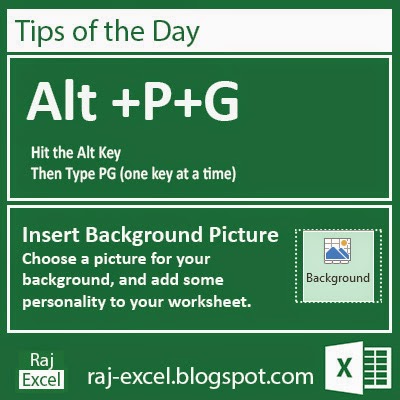

Tips of the Day: Microsoft Excel 2013 Short Cut Keys: Alt + PG (Background Picture)

Insert Background Picture

Microsoft Excel 2013 Short Cut Keys: Alt + P+G 
Hit the Alt key. Then type PG (one key at a time).

Insert Background Picture

Choose a picture for your background and add some personality to your worksheet.

Tips of the Day: Microsoft Excel 2013 Short Cut Keys: Alt + PG (Background Picture)
raj-excel.blogspot.com (Insert Background Picture - Alt PG)


Recommended for You

LinkWithin

Related Posts Plugin for WordPress, Blogger...