d
Showing posts with label Zoom. Show all posts

Microsoft Excel 2013 Short Cut Keys: Alt + WG (Normal View Excel Sheet)


Zoom to Selection

Microsoft Excel 2013 Short Cut Keys:  Alt + W+G
Hit the Alt key. Then type WG (one key at a time).


Zoom to Selection
Zoom the sheet so the selected range of cells fills the entire window.
This can help you focus on a specific area of the sheet.

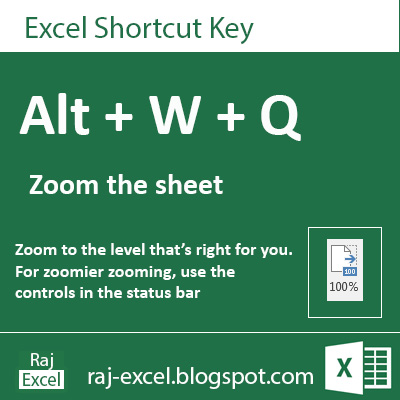


Microsoft Excel 2013 Short Cut Keys: Alt + WQ (Zoom the Sheet)


Zoom the Excel Sheet

Microsoft Excel 2013 Short Cut Keys:  Alt + W+Q 
Hit the Alt key. Then type WQ (one key at a time).


Zoom the Excel worksheet
Zoom to the level that's right for you.
For zoomier zooming, using the controls in the status bar


Microsoft Excel 2013 Short Cut Keys: Alt + WQ  (Zoom the Sheet)
raj-excel.blogspot.com (Shortcut keys) - Zoom the sheet

Microsoft Excel 2013 Short Cut Keys: Alt + WJ (100% Zoom of Excel Sheet View)


100% Zoom of Excel Sheet View

Microsoft Excel 2013 Short Cut Keys:  Alt + W+J 
Hit the Alt key. Then type WJ (one key at a time).


Filter the Data
Zoom your documents 100%. Excel sheet view in actual 100% view.


Microsoft Excel 2013 Short Cut Keys: Alt + WJ (100% Zoom of Excel Sheet View)
raj-excel.blgospot.com


Recommended for You

LinkWithin

Related Posts Plugin for WordPress, Blogger...