Excel Shortcut Keys
Ctrl + H
Displays the Find and Replace dialog box, with the Replace tab selected

Displays the Go To dialog box.
F5 also displays this dialog box.

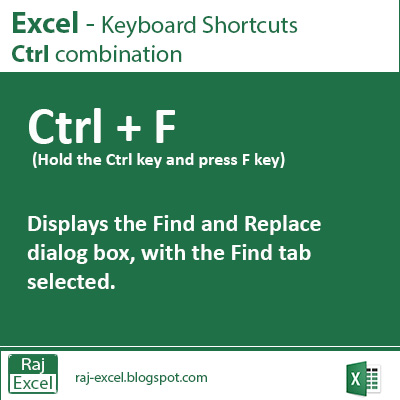
Display the Find and Replace dialog box, with the Find tab selected.
You can find the data or text using the Ctrl+F
Adds more value to the active column by using data surrounding that column.

Copies the selected cells.

Microsoft Excel Short Cut Keys: Ctrl + Shift + " or Ctrl + D
Hold the Ctrl key with Shift Key and " key or Ctrl key with D
Direct Copy Paste
Copies the value from the cell above to active cell or paste it to active cell or formula bar

Microsoft Excel Short Cut Keys: Ctrl + Shift + "
Hold the Ctrl key with Shift Key and " key
Direct Copy and Paste
Copies the value from the cell above the active cell into the cell or the Formula Bar.

Outline border
Applies the border to the selected cells

Microsoft Excel Short Cut Keys: Ctrl + Shift + (
Hold the Ctrl key with Shift Key and ( key
Unide Rows
Unhides any hidden rows within the selection.

