Excel PowerPivot DAX Function & Features
DATEVALUE Function (DAX)
Syntax:
DATEVALUE(<date_text>)
Parameters:
date_text: Text that represents a date.
Action:
Converts a date in the form of text to a date in datetime format.


Syntax:
DATEVALUE(<date_text>)
Parameters:
date_text: Text that represents a date.
Action:
Converts a date in the form of text to a date in datetime format.
Syntax:
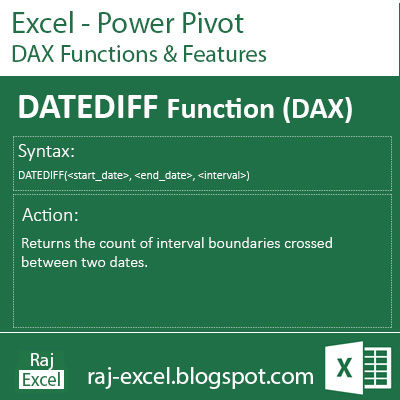
DATEDIFF(<start_date>, <end_date>), <interval>)
Parameters:
start_date: Any DAX expression that returns a datetime value.
end_date: Any DAX expression that returns a datetime value.
interval: The interval to use when comparing dates. The value can be one of the following:
SECOND
MINUTE
HOUR
DAY
WEEK
MONTH
QUARTER
YEAR
Action:
Returns the count of interval boundaries crossed between two dates.
Syntax:
WEEKDAY(<date>, <return_type>)
Parameters:
date: A date in datetime format.
return_type: A number that determines the return value (An integer number from 1 to 7.)
Action:
Returns a number from 1 to 7 identifying the day of the week of a date. By default the day ranges from 1 (Sunday) to 7 (Saturday).

Syntax:
CALENDARAUTO([<fiscal_year_end_month>])
Parameters:
fiscal_year_end_month: Any DAX expression that returns an integer from 1 to 12. If omitted, defaults to the value specified in the calendar table template for the current user, if present; otherwise, defaults to 12.
Action:
Returns a table with a single column named “Date” that contains a contiguous set of dates. The range of dates is calculated automatically based on data in the model.

Syntax:
DATE(<year>, <month>, <day>)
Parameters:
year: A number representing the year.
month :month is a number from 1 to 12, then it represents a month of the year. 1 represents January, 2 represents February, and so on until 12 that represents December.
day: day is a number from 1 to the last day of the given month then it represents a day of the month.
Action:
Returns the specified date in datetime format.

